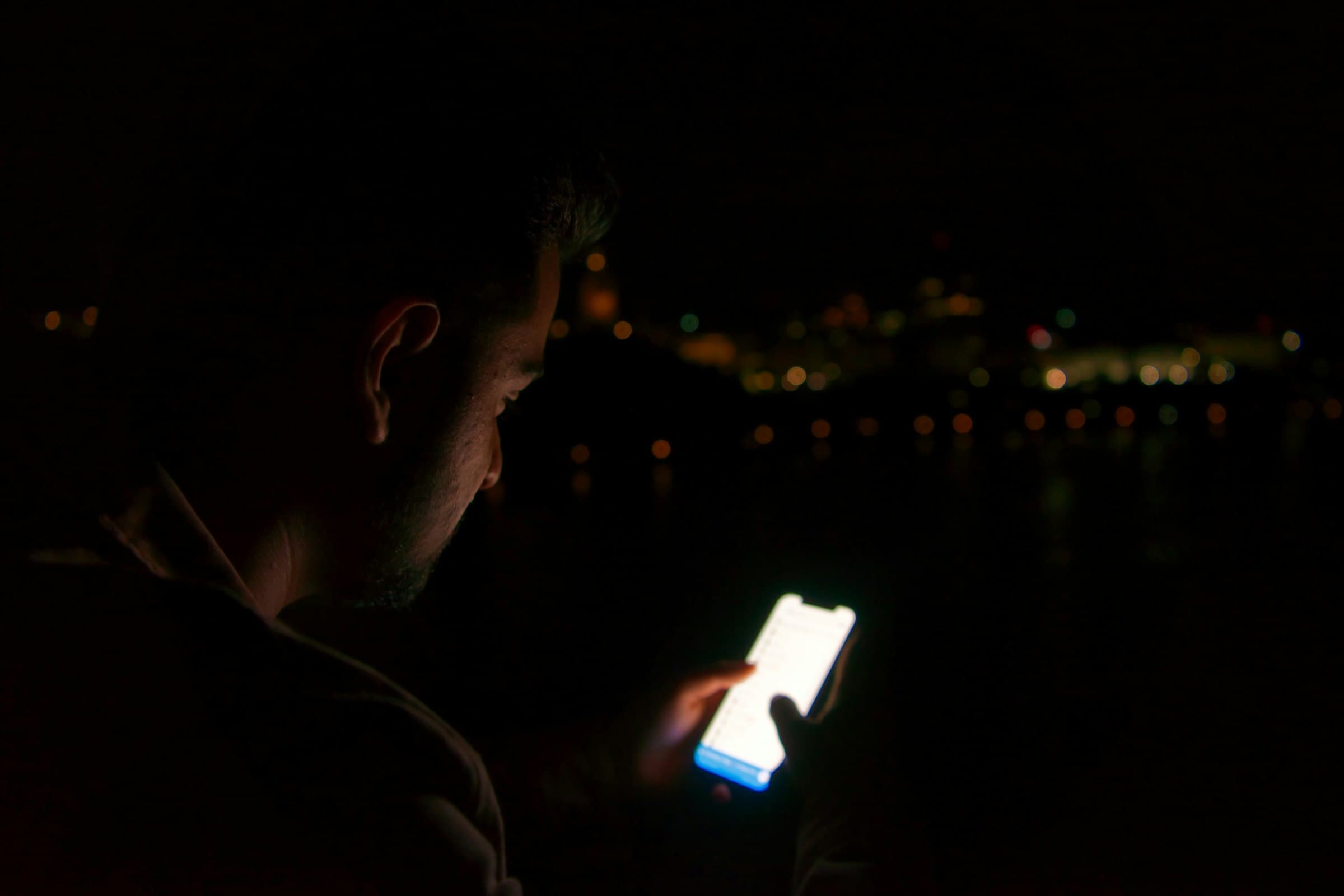
Block the apps you keep opening.
Warden gives the early unlock to someone you trust. If you want more time, you ask them.
One honest question
Screen Time stops you. What do you do next?
Choose what usually happens. Not what should happen.
One answer. No sign-up.
Interactive demo
See both sides before you install.
Open a blocked app, ask for time, and answer from Sara’s phone. The timer returns the block on its own.

Instagram is blocked
Sara holds the early unlock.
Jay is asking
20 minutes
“One reply, then I’m done.”
For the person holding the key
Your Keyholder answers one question.
They see the time you asked for and your note. They can approve it, shorten it, or leave the block in place.
- Their setup
- About a minute
- Costs them
- Nothing
- They can see
- Your streak
- They can’t see
- Apps, times, patterns
Privacy and safety
The boundary stays narrow.
Warden cannot see your app list.
Apple gives it anonymous selections, not app names.
Your Keyholder sees only what you send.
That means the time, your note, and your streak.
No reply leaves the block in place.
A missed notification cannot open an app.
The emergency exit works offline.
It opens everything for one hour and alerts your Keyholder.
A familiar picture
This was supposed to be a quick check.












Where Warden fits
Keep your phone out of the moments that matter.
Use it for work, study, time together, or sleep.
For work
Keep social apps closed while you work.
Block feeds and video while the important work is still fresh.

For students
Keep your study time clear.
Protect a repeatable evening study window.

For couples and families
Put the phone away while you are together.
Put the feeds away while everyone is together.

For wellbeing
Spend less time looking at your phone.
Let the day finish without one more refresh.
Before you install
A few things worth knowing.
Can I turn Warden off?
What if my Keyholder and I fall out?
Will they be bothered all day?
Why not give them my Screen Time passcode?
What does my Keyholder see?
Does Warden work on Android?
What do I need to set up?
Three choices. A few minutes.
You control the plan. Your Keyholder only controls early access.
- 1
Choose the apps
Instagram, TikTok, games. Whatever you keep opening after you meant to stop.
- 2
Choose the rule
Set hours, a daily allowance, or keep them blocked until you ask.
- 3
Choose your person
Send one invite. Their setup takes about a minute.
Try it on your phone
Pick the apps, invite your person, and start the first block.